























































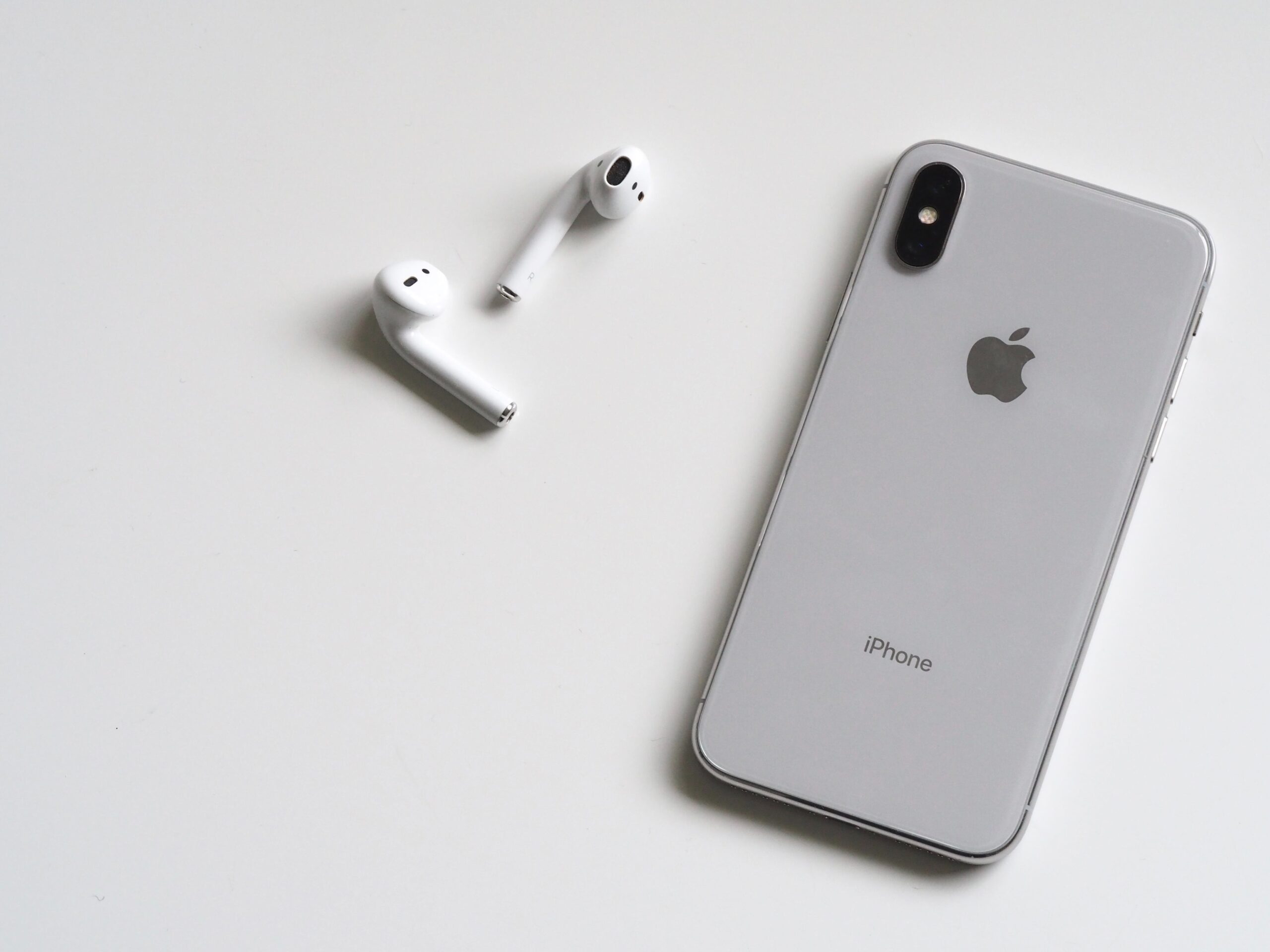
ដោះសោការរួមបញ្ចូលគ្នាយ៉ាងរលូននៃរូបិយប័ណ្ណឌីជីថលទៅក្នុងប្រព័ន្ធអេកូ Apple របស់អ្នកជាមួយនឹងការណែនាំរបស់យើងអំពីការប្តូរកាតអំណោយ Apple ដែលបានទិញដោយប្រើគ្រីបតូ។ មិនថាសម្រាប់ iOS, Android, Mac, ឬ Windows ទេ សូមរៀនជំហានងាយៗដើម្បីបង្កើនបទពិសោធន៍ Apple របស់អ្នក។ ល្អឥតខ្ចោះសម្រាប់អ្នកដែលឱ្យតម្លៃលើភាពងាយស្រួល សុវត្ថិភាព និងឧបករណ៍ប្រើប្រាស់ទូលំទូលាយនៃសេវាកម្ម Apple គន្លឹះរបស់យើងធានាថាអ្នកទទួលបានអត្ថប្រយោជន៍ច្រើនបំផុតពីពិភពទិញទំនិញឌីជីថល និងរូបវន្តរបស់អ្នក ដោយបញ្ចូលវិធីបង់ប្រាក់ប្រកបដោយភាពច្នៃប្រឌិតជាមួយនឹងការពេញចិត្តលក់រាយបែបប្រពៃណី។.
តារាងមាតិកា
ជាមួយនឹងប្រជាប្រិយភាពកើនឡើងនៃរូបិយប័ណ្ណគ្រីបតូ អ្នកប្រើប្រាស់ជាច្រើនកំពុងស្វែងរកការប្រើប្រាស់ទ្រព្យសម្បត្តិឌីជីថលរបស់ពួកគេដើម្បីទិញកាតអំណោយ។.
វេទិកាដូចជា Coinsbee បានធ្វើឱ្យវាងាយស្រួលមិនគួរឱ្យជឿក្នុងការទិញកាតអំណោយជាមួយគ្រីបតូ បើកវិស័យថ្មីនៃលទ្ធភាពសម្រាប់អ្នកចូលចិត្តរូបិយប័ណ្ណឌីជីថល; ជម្រើសដ៏ពេញនិយមមួយសម្រាប់ការទិញគ្រីបតូគឺ កាតអំណោយ Apple.
ការណែនាំដ៏ទូលំទូលាយនេះនឹងណែនាំអ្នកអំពីរបៀបប្តូរកាតអំណោយ Apple នៅទូទាំងឧបករណ៍ផ្សេងៗគ្នា។.
របៀបប្តូរកាតអំណោយ Apple របស់អ្នក។
កាតអំណោយ Apple អាចដោះសោពិភពនៃការកម្សាន្ត និងផលិតភាព; មិនថាអ្នកបានទទួលវាជាអំណោយ ឬបានទិញវាជាមួយរូបិយប័ណ្ណគ្រីបតូដូចជា Bitcoin ឬ Ethereum, ការប្តូរកាតអំណោយ Apple គឺជាដំណើរការដ៏សាមញ្ញមួយ។.
នៅលើ iPhone, iPad, ឬ iPod Touch របស់អ្នក។
- បើកកម្មវិធី App Store នៅលើឧបករណ៍ Apple របស់អ្នក;
- ប៉ះរូបតំណាងប្រវត្តិរូបរបស់អ្នកនៅផ្នែកខាងលើនៃអេក្រង់;
- Select ‘Redeem Gift Card or Code’;
- If you have a physical card, use your camera to scan the card, or enter the code manually;
- If prompted, sign in with your Apple ID and password;
- Once entered, the balance will be added to your Apple ID account and can be used across various Apple services.
នៅលើឧបករណ៍ Android របស់អ្នក។
If you’re using an Apple Music subscription on your Android device:
- Open the Apple Music app;
- Tap the menu icon and select ‘Account’;
- Choose ‘Redeem Gift Card or Code’;
- Enter the 16-digit code beginning with X;
- Your Apple account balance will now be updated.
នៅលើ Mac របស់អ្នក។
- Open the App Store on your Mac;
- Click on your name or the sign-in button at the bottom of the sidebar;
- Click ‘Redeem Gift Card’ at the top of the screen;
- Enter the 16-digit code beginning with X;
- Click on ‘Redeem’ and your balance will be updated.
នៅលើកុំព្យូទ័រ Windows ។
សម្រាប់អ្នកដែលប្រើប្រាស់ iTunes on a Windows PC:
- Open iTunes and click on the ‘Account’ menu;
- ជ្រើសរើស ‘ប្ដូរយក’;
- ចូលដោយប្រើ Apple ID របស់អ្នក;
- បញ្ចូលលេខកូដប័ណ្ណអំណោយរបស់អ្នកក្នុងប្រអប់ដែលបានផ្ដល់;
- ឥឡូវនេះសមតុល្យនឹងត្រូវបានបង្ហាញនៅក្នុងគណនី Apple ID របស់អ្នក។.
តើអ្នកអាចទិញកាតអំណោយ Apple នៅឯណា?
ខណៈពេលដែល កាតអំណោយ Apple អាចទិញបានពីហាងលក់រាយផ្សេងៗ និងហាងអនឡាញ Apple មាននិន្នាការកើនឡើងក្នុងការទិញកាតទាំងនេះតាមរយៈរូបិយប័ណ្ណគ្រីបតូ។.
គេហទំព័រដូចជា Coinsbee បានលេចឡើងជាចំណុចកណ្ដាលសម្រាប់អ្នកចូលចិត្តគ្រីបតូដើម្បីបំប្លែងរូបិយប័ណ្ណឌីជីថលរបស់ពួកគេទៅជាប័ណ្ណអំណោយ Apple ដោយរលូន។.
នេះជាមូលហេតុដែល ការទិញពី Coinsbee អាចមានអត្ថប្រយោជន៍៖
- ជម្រើសទូទាត់ចម្រុះ
ជ្រើសរើសពីជម្រើសរូបិយប័ណ្ណគ្រីបតូជាច្រើនដើម្បីធ្វើការទិញរបស់អ្នក។.
- Instant Delivery
ទទួលបានលេខកូដប័ណ្ណអំណោយ Apple របស់អ្នកភ្លាមៗបន្ទាប់ពីប្រតិបត្តិការត្រូវបានដំណើរការ។.
- km
មិនថាអ្នកនៅទីណាទេ អ្នកអាចទិញ និងប្ដូរយកប័ណ្ណអំណោយ Apple របស់អ្នកបានយ៉ាងងាយស្រួល។.
Coinsbee ផ្ដល់នូវវេទិកាដ៏សាមញ្ញមួយសម្រាប់អ្នកដែលចង់ប្រើប្រាស់ គ្រីបតូដើម្បីទិញប័ណ្ណអំណោយ, making it a convenient and preferred option for many users worldwide.
ការបង្កើនប្រសិទ្ធភាពកាតអំណោយ Apple របស់អ្នក។
Once you have redeemed your gift card, you can use the balance to:
- Purchase apps and games in the App Store;
- Upgrade your iCloud storage;
- Subscribe to Apple services like Apple Music, Apple TV+, or Apple Arcade;
- Buy books on Apple Books;
- And much more.
ការពិចារណាលើសុវត្ថិភាព។
When redeeming your gift card or making purchases online, it’s crucial to stay secure:
- Never share your redemption code with anyone;
- Only enter your gift card code on official Apple platforms;
- Keep your receipt or the physical card until you’re certain the Apple balance has been applied.
សេចក្តីសន្និដ្ឋាន
Redeeming an Apple gift card is a breeze, whether you’re using an iOS device, Android, Mac, or Windows PC; buying these gift cards with cryptocurrencies adds an extra layer of convenience for those invested in the digital currency space.
Coinsbee stands out as a reliable platform to ទិញកាតអំណោយជាមួយគ្រីបតូ, offering a secure, fast, and versatile shopping experience.
Remember to always handle your digital assets and gift card codes with care and enjoy the wide range of possibilities that your Apple gift card balance opens.
Happy shopping!