























































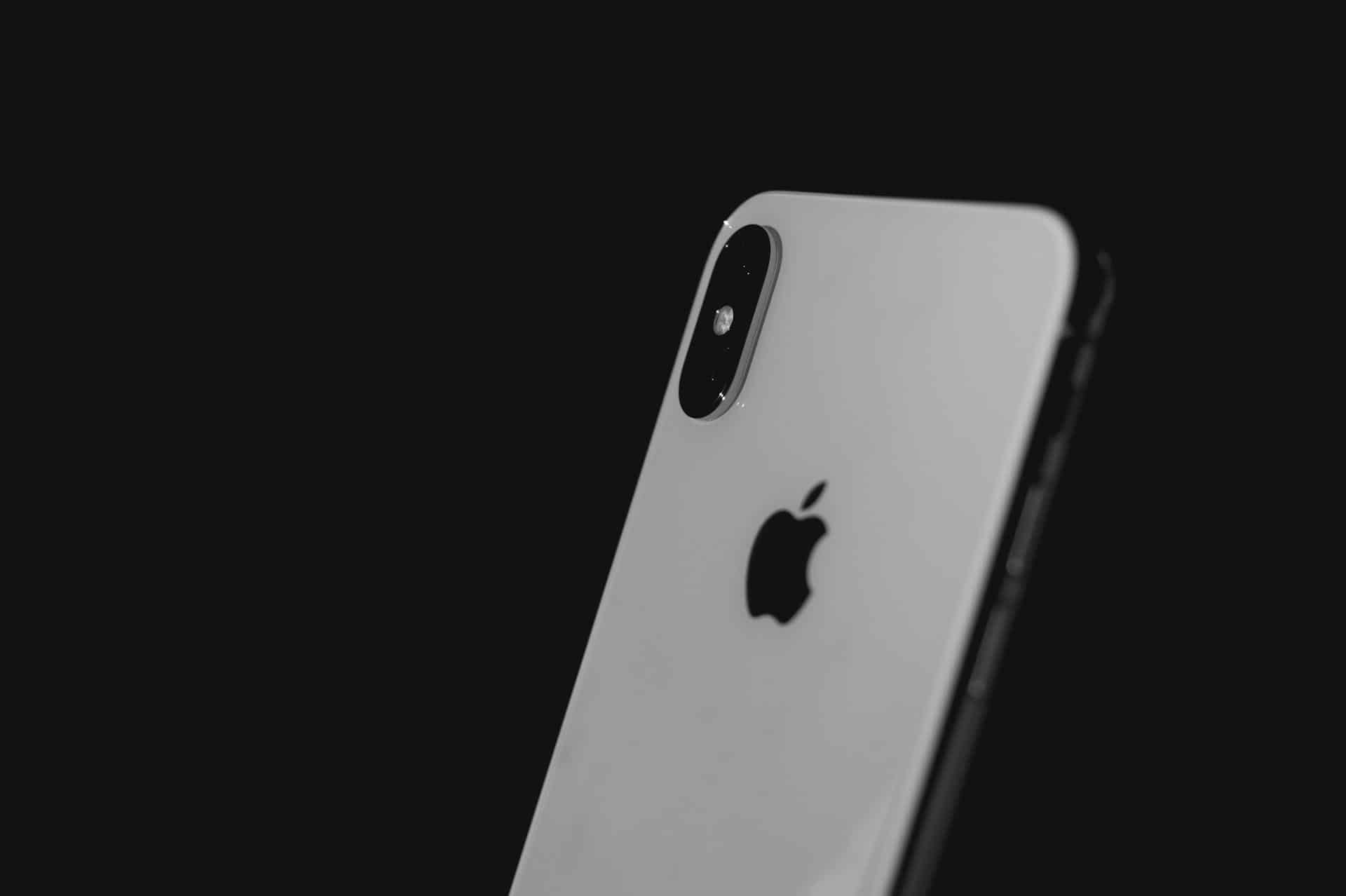
សព្វថ្ងៃនេះ ភាពបត់បែននៃកាតអំណោយ ជាពិសេសទាក់ទងនឹងវិស័យបច្ចេកវិទ្យា គឺពិតជាគួរឱ្យកត់សម្គាល់ណាស់។.
កាតអំណោយ Apple លេចធ្លោជាវិធីបង់ប្រាក់ដ៏សម្បូរបែបសម្រាប់ផលិតផល Apple ជាច្រើន រួមទាំង iPhone ដែលពេញនិយម និងគ្រឿងបន្លាស់របស់វា។.
មគ្គុទ្ទេសក៍នេះនឹងណែនាំអ្នកអំពីដំណើរការនៃការប្រើប្រាស់កាតអំណោយ Apple ដើម្បីធ្វើឱ្យការទិញបន្ទាប់របស់អ្នកមានភាពងាយស្រួល ដោយផ្តោតជាពិសេសលើរបៀបដែល Coinsbee ដែលជាវេទិកាអនឡាញដែលអ្នកអាចទិញកាតអំណោយជាមួយ crypto អាចជួយអ្នកទទួលបានបទពិសោធន៍ទិញទំនិញដ៏រលូន។.
ការយល់ដឹងអំពីកាតអំណោយ Apple
An កាតអំណោយ Apple ផ្តល់នូវវិធីងាយស្រួលក្នុងការទិញផលិតផលដោយផ្ទាល់ពី Apple រួមមាន iPhone គ្រឿងបន្លាស់ កម្មវិធី ការជាវ និងច្រើនទៀត។.
ចាប់តាំងពីឆ្នាំ 2020 មក Apple បានបង្រួបបង្រួមប្រព័ន្ធកាតអំណោយរបស់ខ្លួន ដើម្បីបង្កើតដំណើរការដ៏រលូនសម្រាប់អតិថិជន។.
អ្នកអាចប្តូរកាតអំណោយឌីជីថលរបស់អ្នកបានយ៉ាងងាយស្រួល ហើយប្រើប្រាស់វានៅទូទាំងប្រព័ន្ធអេកូឡូស៊ី Apple បន្ទាប់ពីទទួលបានវានៅលើ Coinsbee។.
ការទទួលបានកាតអំណោយ Apple ជាមួយ Crypto នៅលើ Coinsbee
Coinsbee គឺជាវេទិកាដ៏ល្អបំផុតរបស់អ្នកសម្រាប់ការបំប្លែងរូបិយប័ណ្ណគ្រីបតូទៅជាទ្រព្យសកម្មជាក់ស្តែងដែលអាចប្រើបានដូចជាកាតអំណោយ Apple; ដំណើរការនេះគឺសាមញ្ញ និងងាយស្រួលប្រើ ដែលបំពេញតម្រូវការអ្នកចូលចិត្តគ្រីបតូទូទាំងពិភពលោក។.
Here’s a simplified overview:
1. Visit Coinsbee
Head on over to our website, where you’ll find a vast array of gift cards, including those for Apple.
2. ជ្រើសរើសកាតរបស់អ្នក។
Choose an កាតអំណោយ Apple; you can select from various denominations to match your intended purchase.
3. ការទូទាត់ជាមួយ Crypto
Coinsbee supports over 100 cryptocurrencies, 10. រួមទាំង Bitcoin, Ethereum, Litecoin, and many others; select your preferred cryptocurrency for payment.
4. បញ្ចប់ការទិញរបស់អ្នក។
Follow the instructions to finalize your purchase; upon completion, you’ll receive your Apple Gift Card digitally, ready to be redeemed.
This harmonious process bridges the gap between cryptocurrency and physical goods or services, making it easier to use your digital assets for everyday needs.
ការប្តូរកាតអំណោយ Apple របស់អ្នក។
Once you’ve purchased your កាតអំណោយ Apple on Coinsbee, simply tap or click the “Redeem Now” button in the email, and the value will be added to your Apple Account Balance, ready to use.
ការទិញ iPhone និងគ្រឿងបន្លាស់
Now that you’ve redeemed your Apple Gift Card and the funds have been added to your Apple Account Balance, you can use this balance toward the purchase of an iPhone and various accessories directly from the Apple Store app, the Apple website, or in Apple’s physical stores.
Remember: the Apple Account Balance can be used not just for hardware purchases but also apps, games, subscriptions, and more.
Key Tip: Ensure that your Apple Gift Card is an “Apple Store Gift Card” and not an iTunes, App Store, or Book Store gift card, as the latter cannot be used for purchasing hardware like iPhones.
ការកែលម្អបទពិសោធន៍ទិញទំនិញរបស់អ្នកជាមួយ Coinsbee
Coinsbee steps into the picture by offering an innovative way to purchase Apple Gift Cards using cryptocurrency.
This platform bridges the gap between digital currency and physical products, allowing you to use your crypto holdings to ទិញប័ណ្ណអំណោយ that can then be redeemed for iPhones, accessories, and more.
It’s a great way to leverage the world of cryptocurrency for your Apple product purchases, integrating cutting-edge financial technology with your shopping experience.
សេចក្តីសន្និដ្ឋាន
Regardless of your eyeing the latest iPhone model or seeking to accessorize your current device, using an កាតអំណោយ Apple is a straightforward process.
If you’re looking to incorporate cryptocurrency into your Apple purchases, Coinsbee, your top-tier online platform for ការទិញកាតអំណោយជាមួយគ្រីបតូ, provides a seamless process to buy Apple Gift Cards with crypto, ensuring your path to new Apple products is as smooth as possible.
Remember that the process of redeeming and using your gift card is simple, whether you’re doing it on an iPhone, iPad, Mac, or directly on the Apple website.
If you follow these steps and take advantage of platforms like Coinsbee, your next Apple purchase, be it an iPhone or essential accessories, will not only be satisfying but also effortlessly modern.